Every time a patient file is uploaded, it gains a new place to live: a server, a database, a backup, a third-party service. Each one has to be secured, maintained, and accounted for. Many clinic tools upload by default, simply because that is how most software is built. It does not have to be.
is the average cost of a healthcare data breach, the highest of any industry. Fewer copies of patient data means fewer places for a breach to start.
Source: IBM, Cost of a Data Breach Report 2026 (via The HIPAA Journal)Health data needs extra care
Under UK GDPR, data concerning health is special category data. The law treats it as more sensitive than ordinary personal data and gives it extra protection, so clinics need a clear reason to process it and strong safeguards around it. The less of it you move, store, and share, the smaller that job becomes.
What processing in the browser means
Modern browsers are powerful enough to do real work on their own. A browser-based tool can open a PDF, read the text, build a report, and save a new PDF, all on the clinician's own computer. The file is never sent to a server, so there is no upload to intercept, no database to breach, and no patient data held anywhere but the device it started on.
- Nothing uploaded, so nothing to intercept in transit
- No server or database holding patient records
- No third-party processor to vet for each file
- Lower running costs, because there is no server to pay for
The trade-offs
Keeping everything on one device has limits. Work saved in the browser stays on that computer, so it will not follow a clinician to another machine, and clearing the browser's data clears the drafts. Teams that need shared records, audit trails, or logins across devices need a proper backend, built securely and hosted in the right place.
Choosing the right setup
If a task starts and ends with one person on one computer, processing in the browser is often the safest and simplest choice. If several people need the same records, use a secure server and keep it lean. Either way, the principle holds: collect less, move less, store less. This is general guidance, not legal advice, so check your own obligations with your data protection lead.
An example you can try
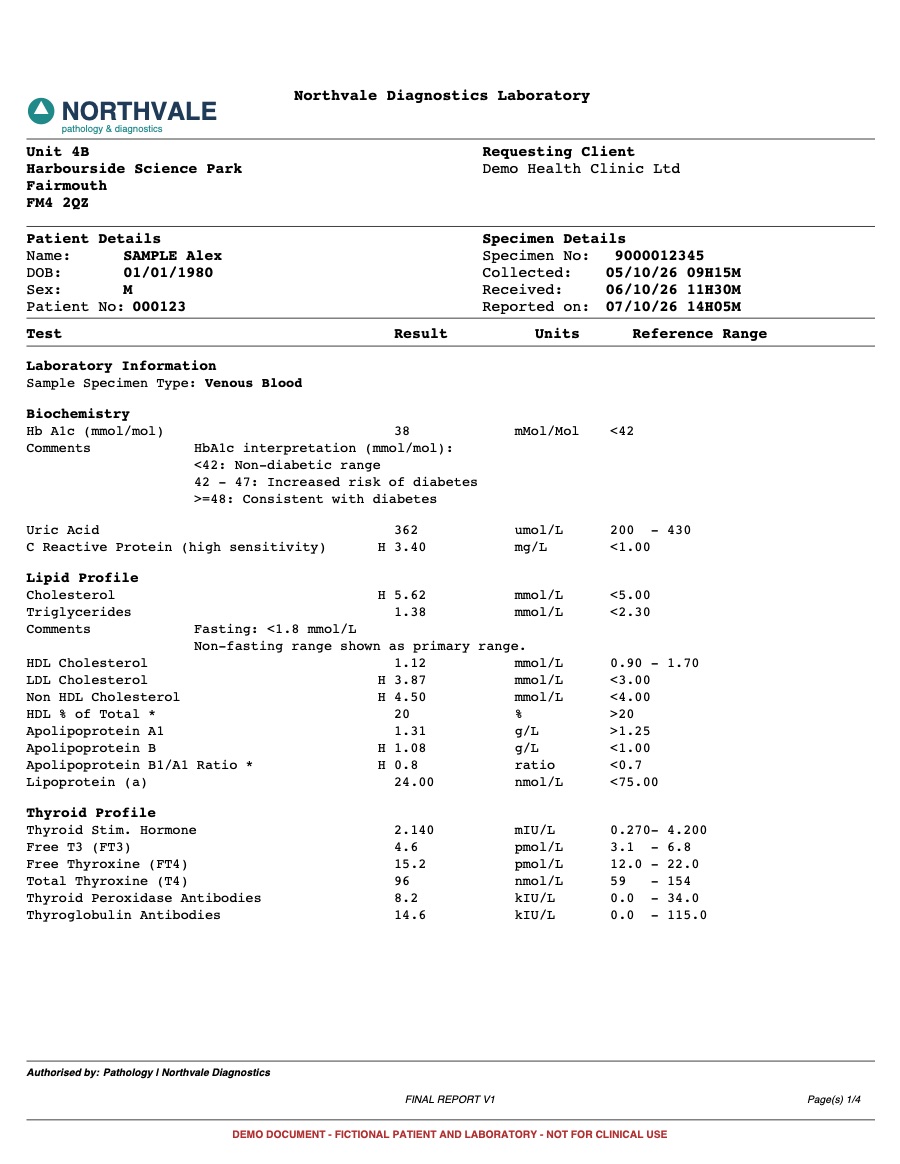
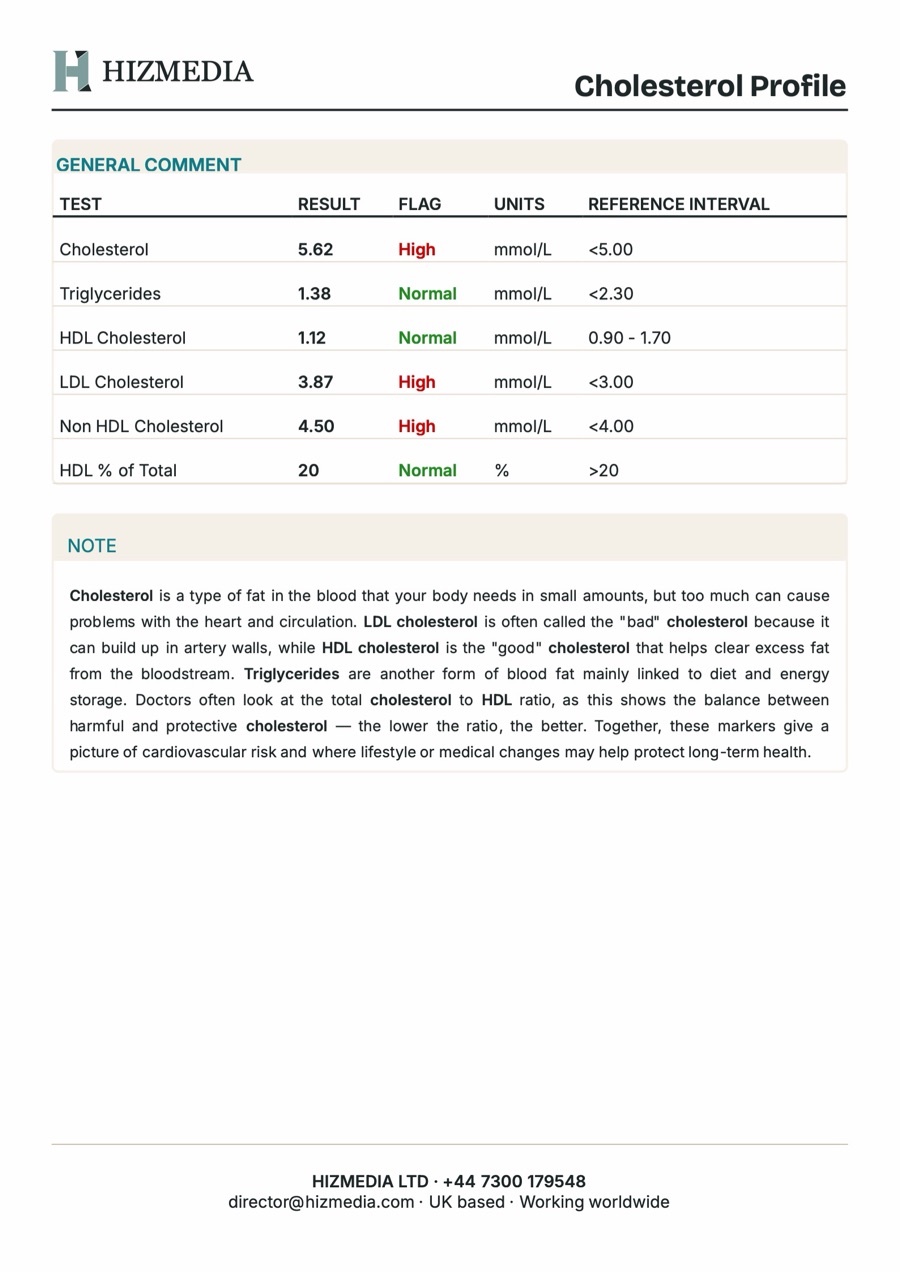
Our Lab Report Builder works this way. The lab PDF is read in the browser, the report is built and downloaded on the same device, and drafts autosave to the browser's own storage. Nothing leaves the computer. The production version we built for a UK health client used a secure login and database instead, because that clinic needed shared records. The right answer depends on how you work.
Sources
Want this built for you?
Tell us what you are trying to grow. We will tell you plainly what we would build and what it should bring back.
Related service: Custom CMS